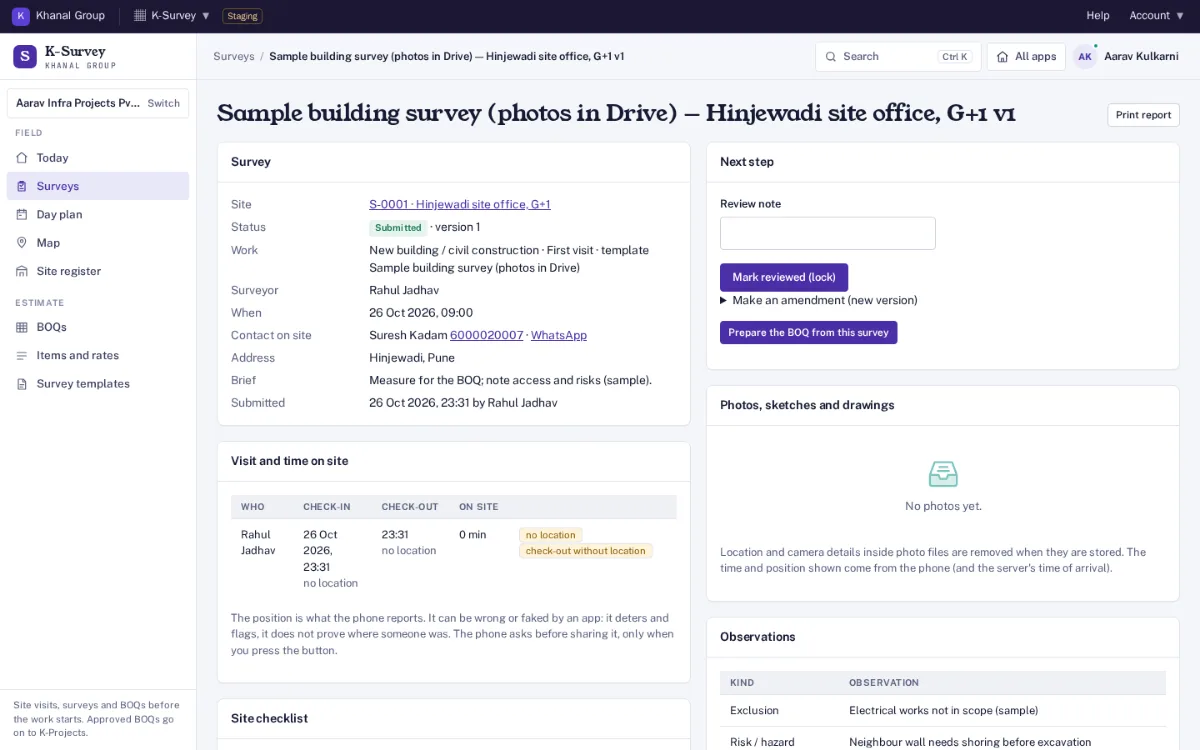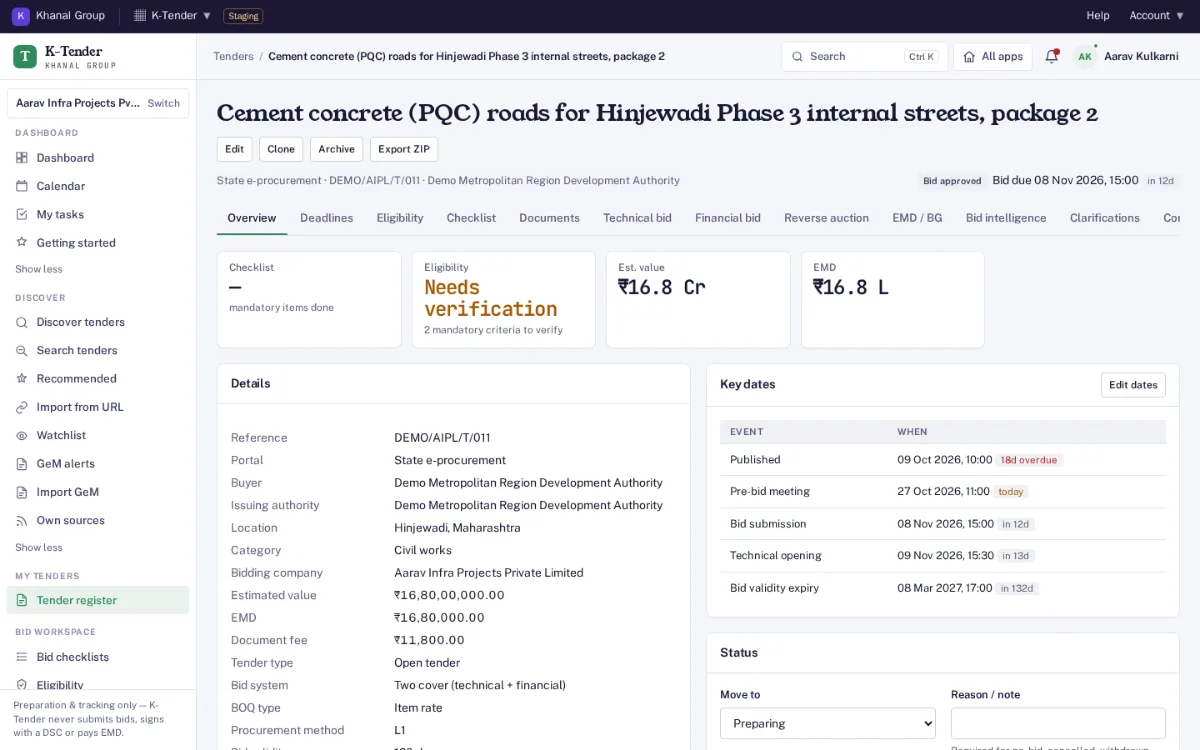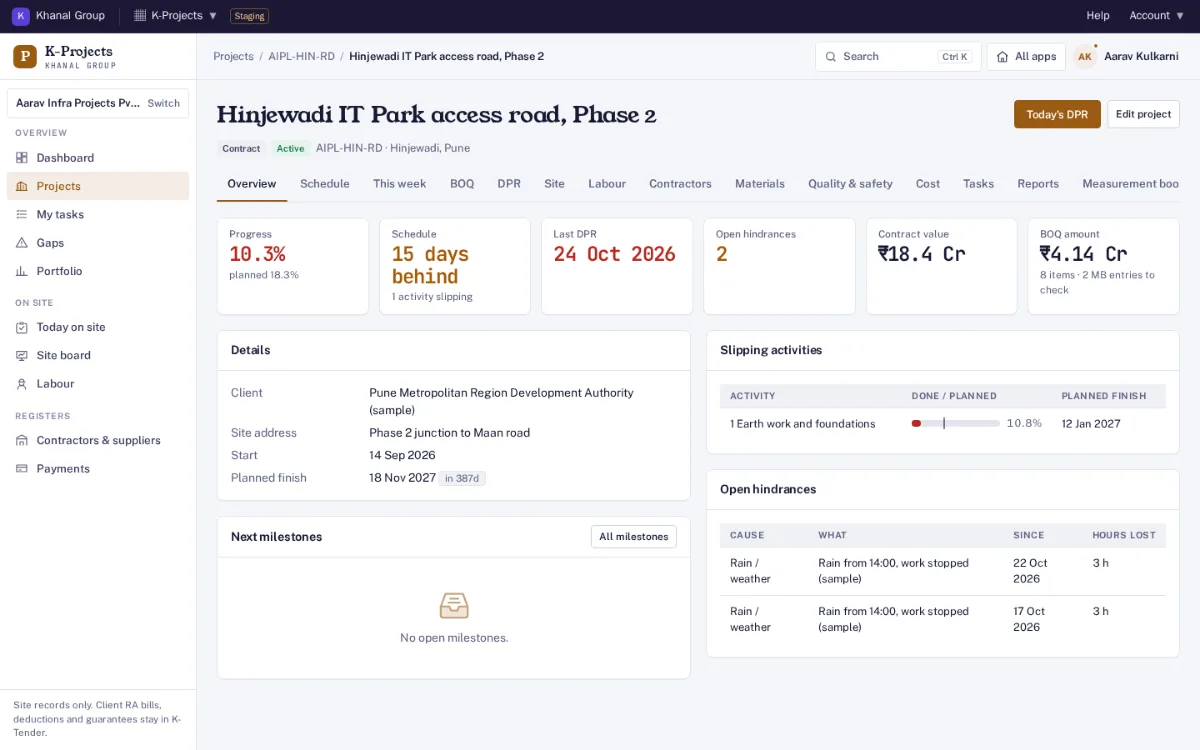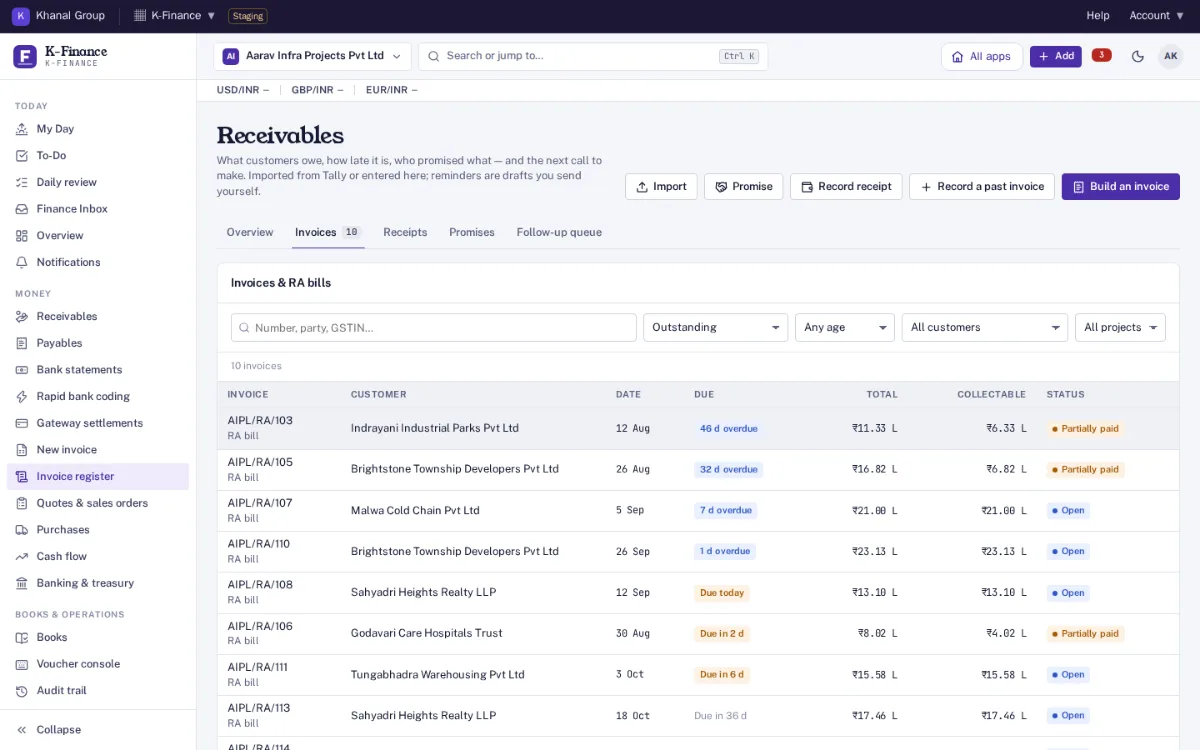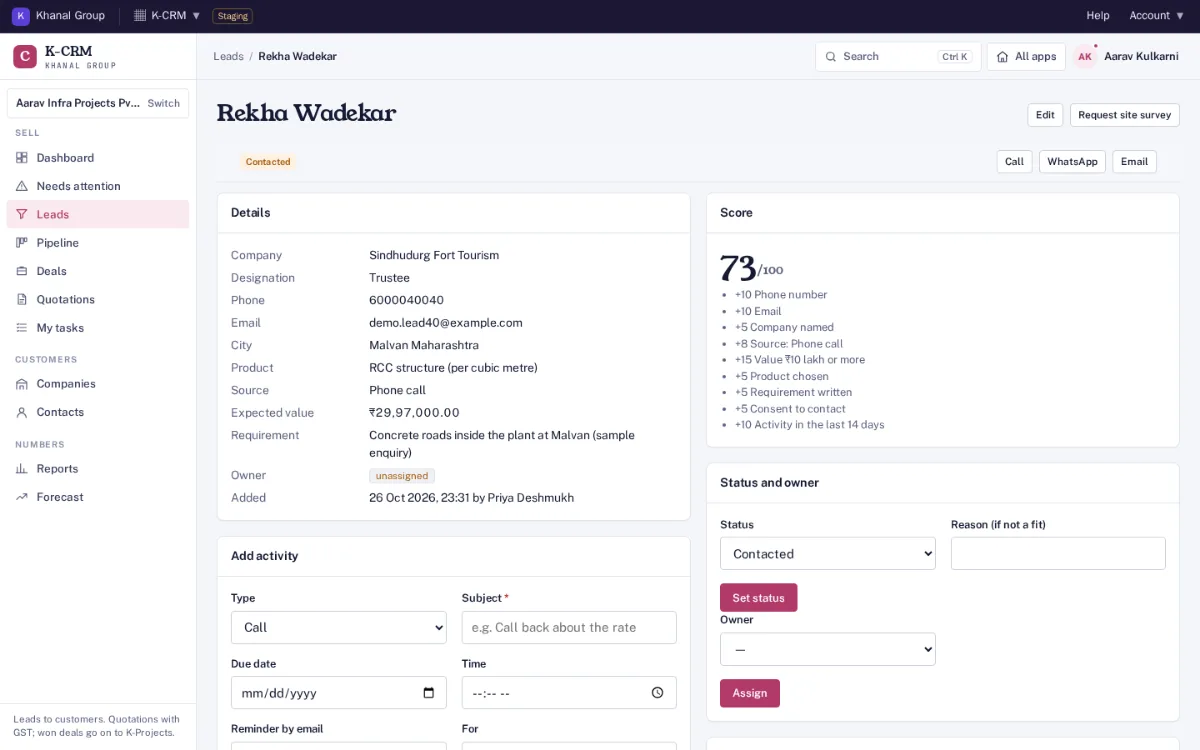
- Request site survey sends the enquiry to K-Survey.
- The score, with the reason behind every point.
- Set the status, give a reason if it is not a fit, and assign an owner.
- Plan a call, meeting or site visit, with a reminder.
K-CRM
Step 1: An enquiry comes in and asks for a site survey
The job starts as an enquiry: from the website form, a CSV or a phone call. K-CRM checks it for duplicates, scores it out of 100 with the reasons shown, and gives it an owner, who logs calls, meetings and site visits against it.
Before anyone can price the work, someone has to see the site. Request site survey sends the enquiry to K-Survey.
Next: K-Survey gets the request, and K-CRM shows the survey’s status.